Jira tokens
Each role needs a classic Jira API token with these permissions/scopes:
read:jira-userread:jira-workwrite:jira-work
The tokens are per-role and are sent as per-request Basic authentication; there is no login session to share. A token always belongs to the account that created it, so create each one while signed in as that role's user.
See Creating Jira tokens.
Using a single account? Skip Account setup and follow Token setup once, signed in as yourself.
Multiple (3) additional accounts After adding the users, go to your mailbox. You should have three invitation emails:
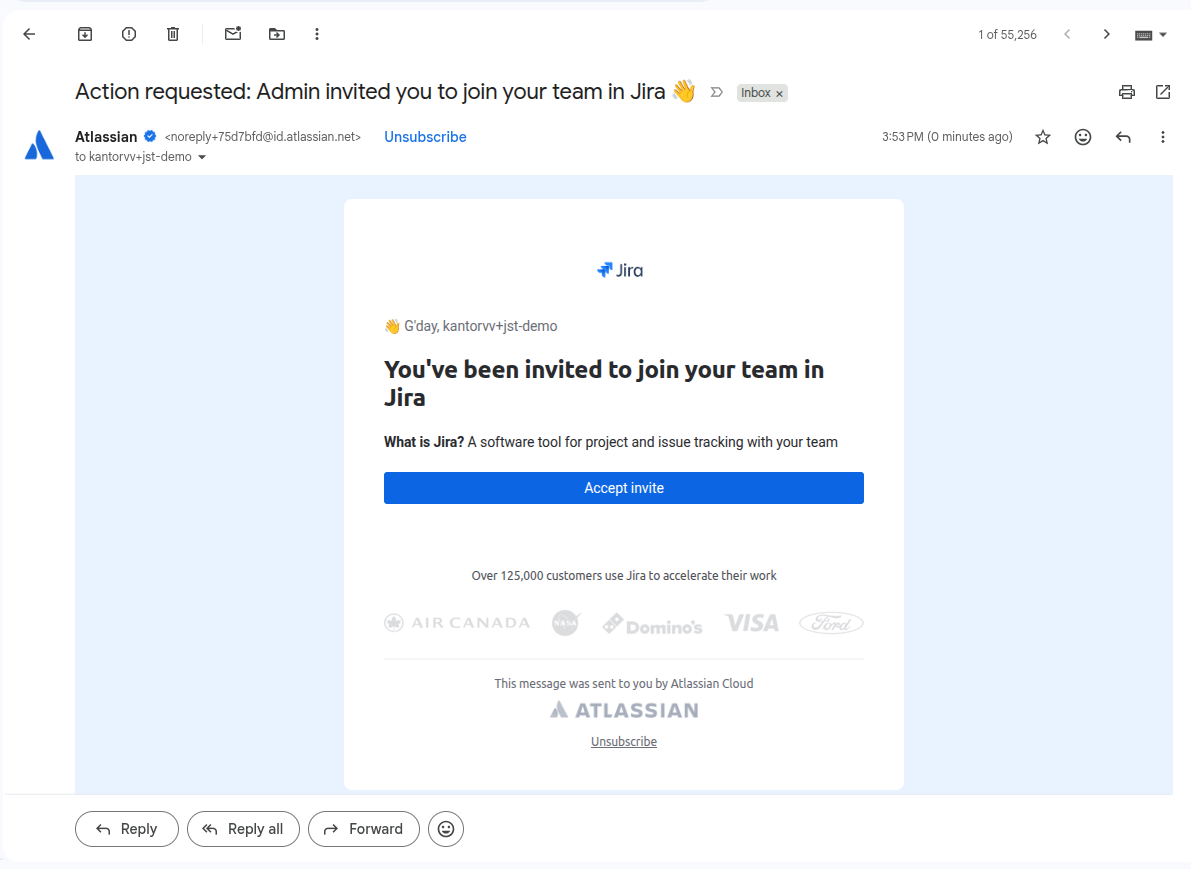
Repeat the steps below for each of them.
Account setup
-
Open the invitation email and click Accept invite.
-
You're redirected to the email verification screen.
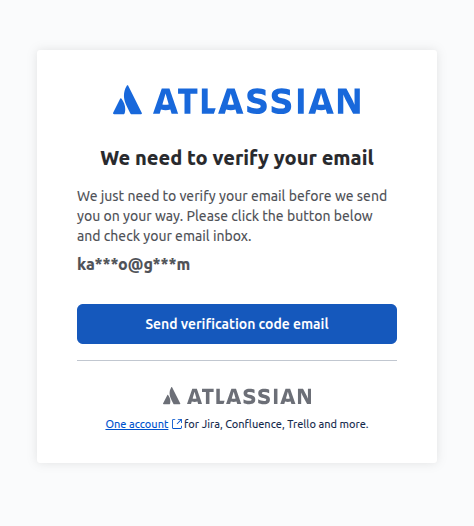
-
Go back to your mailbox, copy the verification code, and paste it into the verification field.
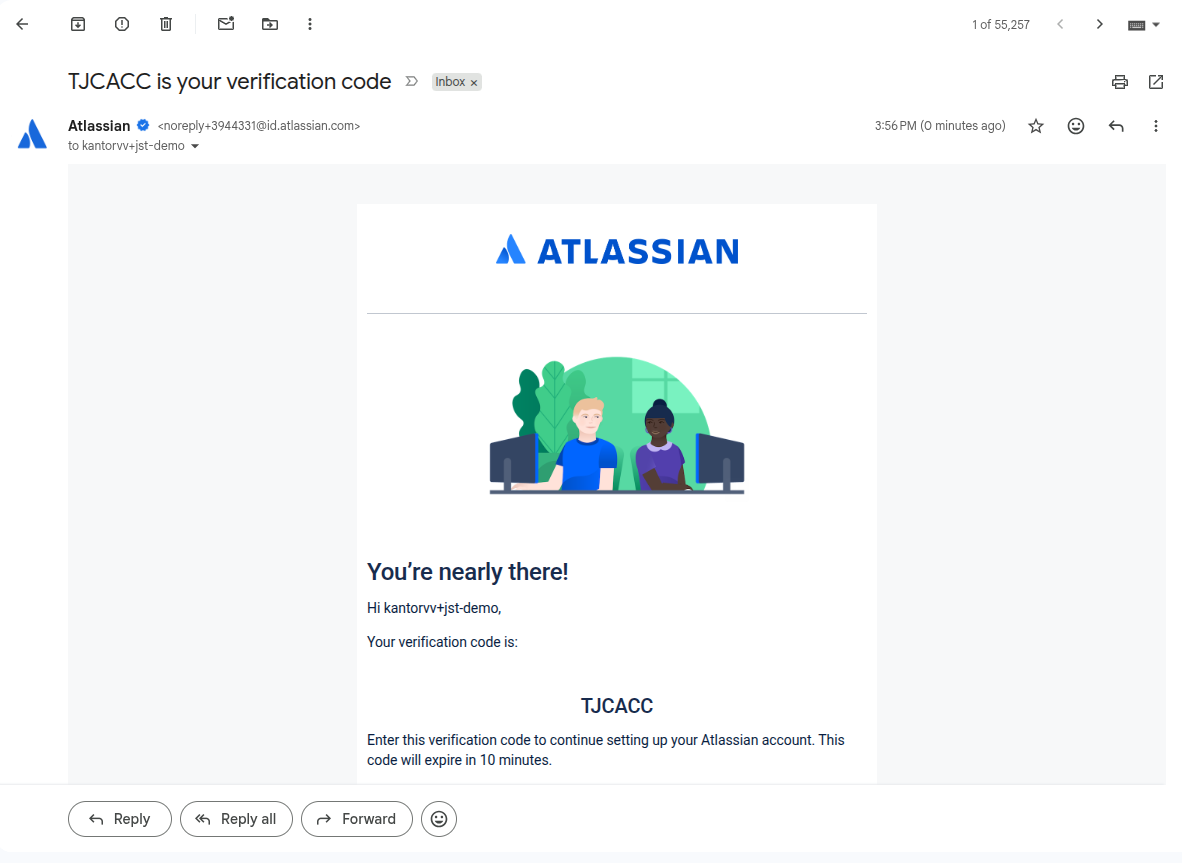
-
Fill in the name and password in the post-setup form. Make the full name match the role, e.g.
Jira Task Executor, so the board shows which role did what.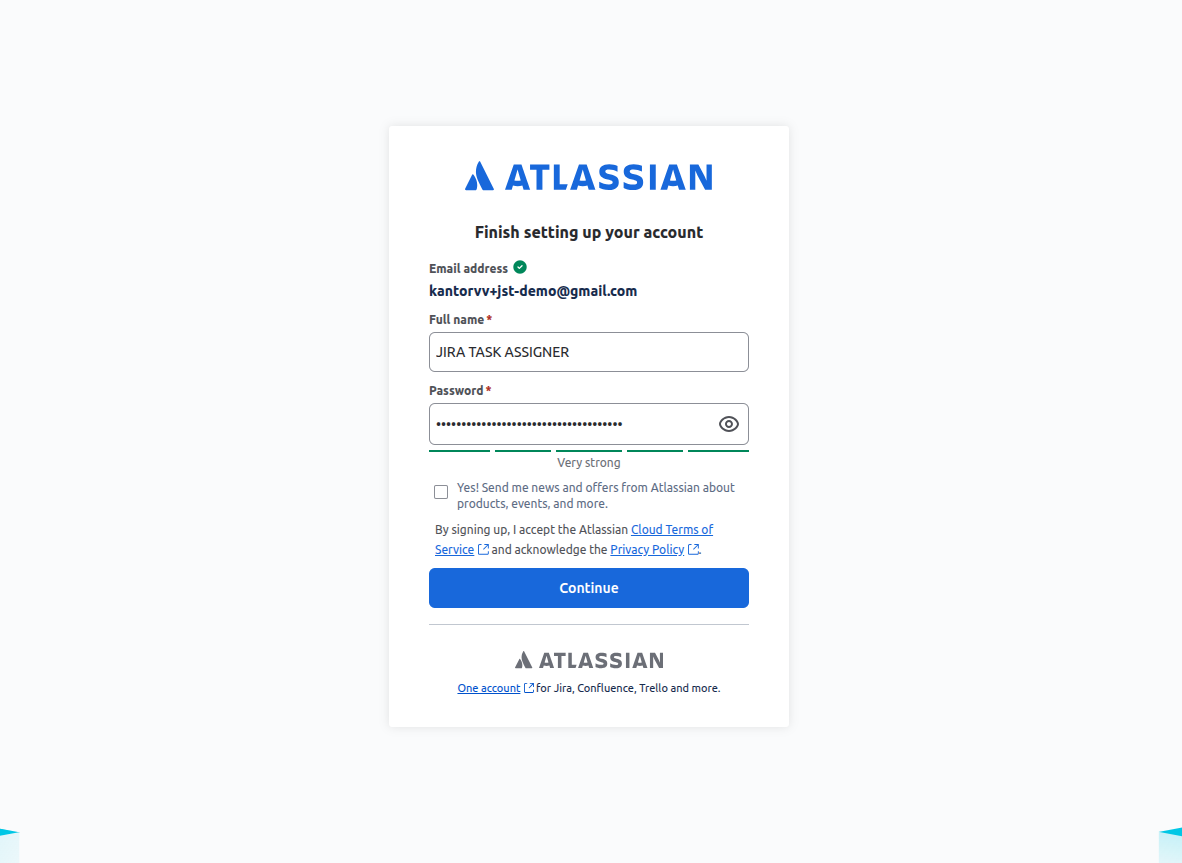
Token setup
-
You might be redirected to an onboarding screen. It doesn't matter what you select there. Once you reach the boards list, open the token page: id.atlassian.com/manage-profile/security/api-tokens.
-
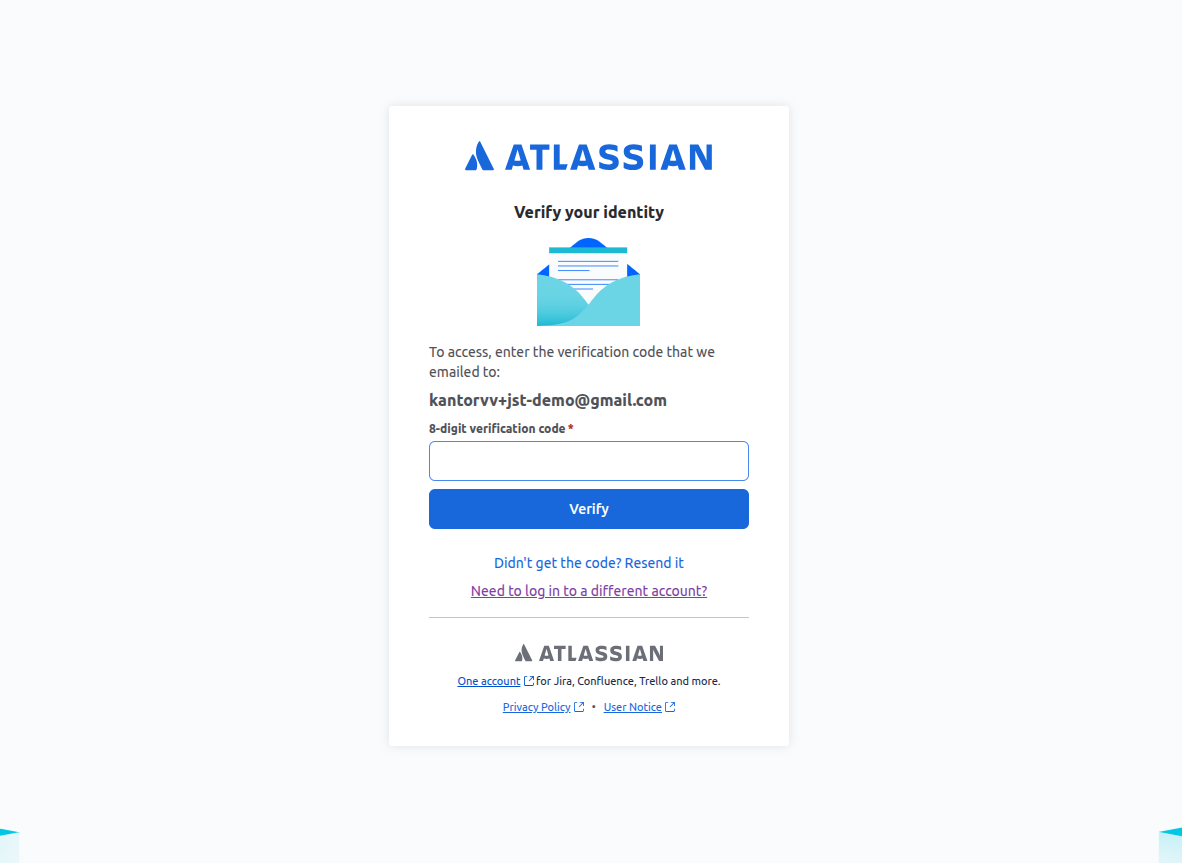
You land on an email verification screen.
-
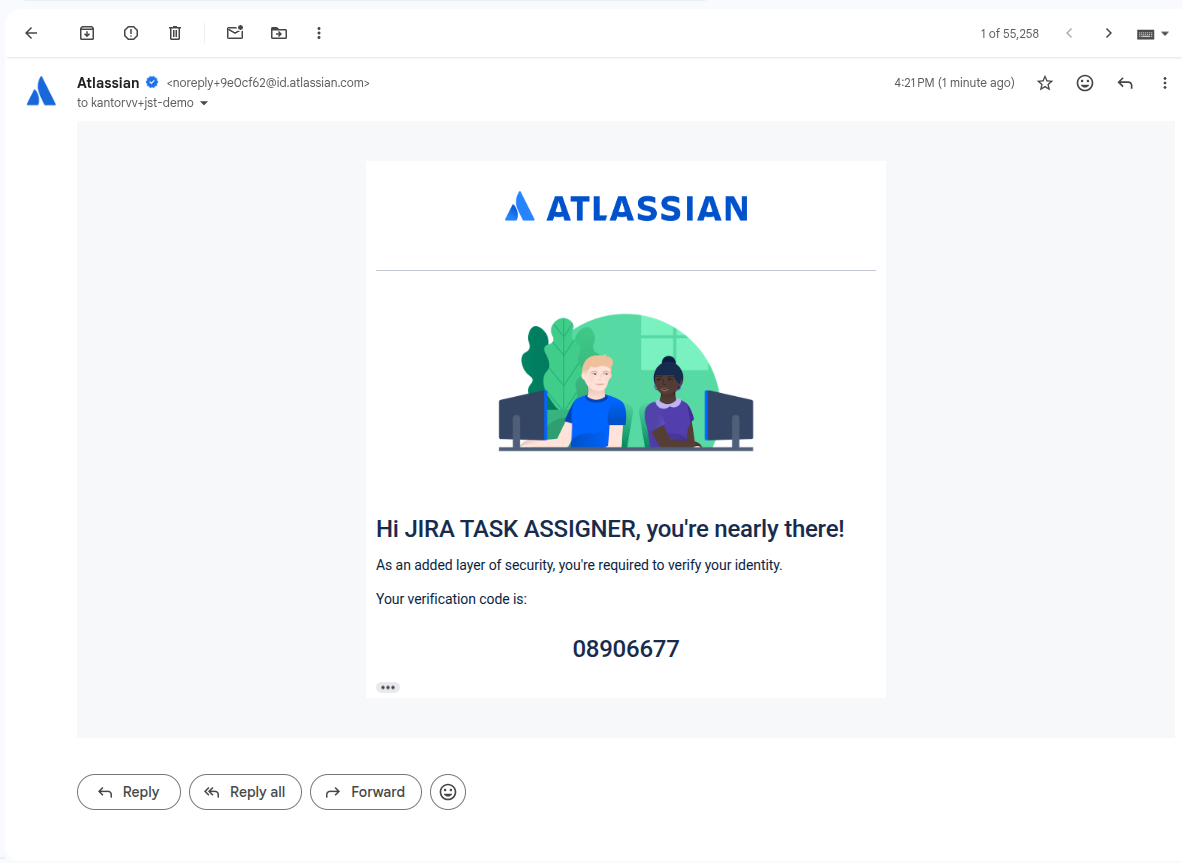
Go to your mailbox and copy the code into the verification field. You then reach the API tokens screen.
-
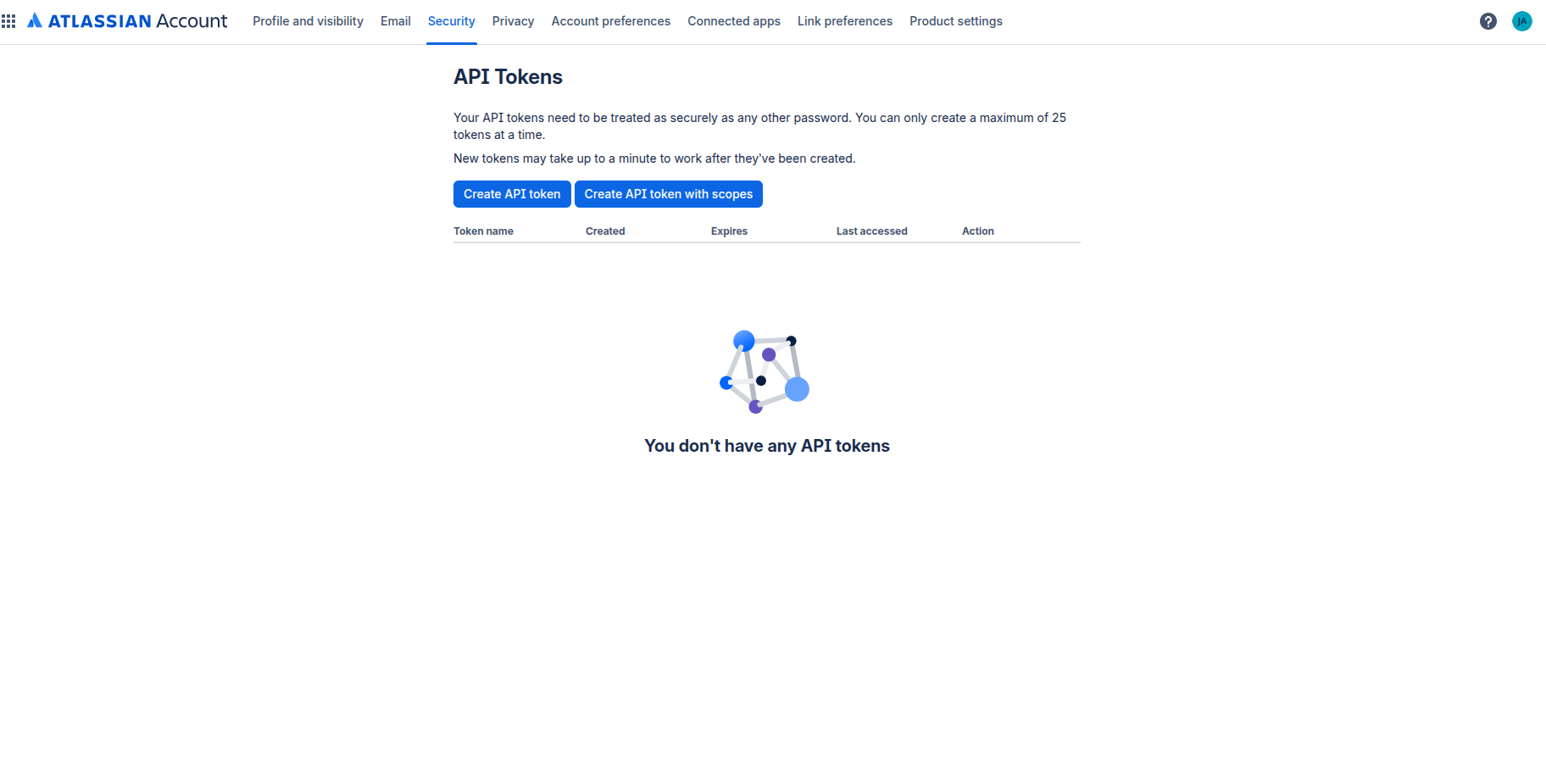
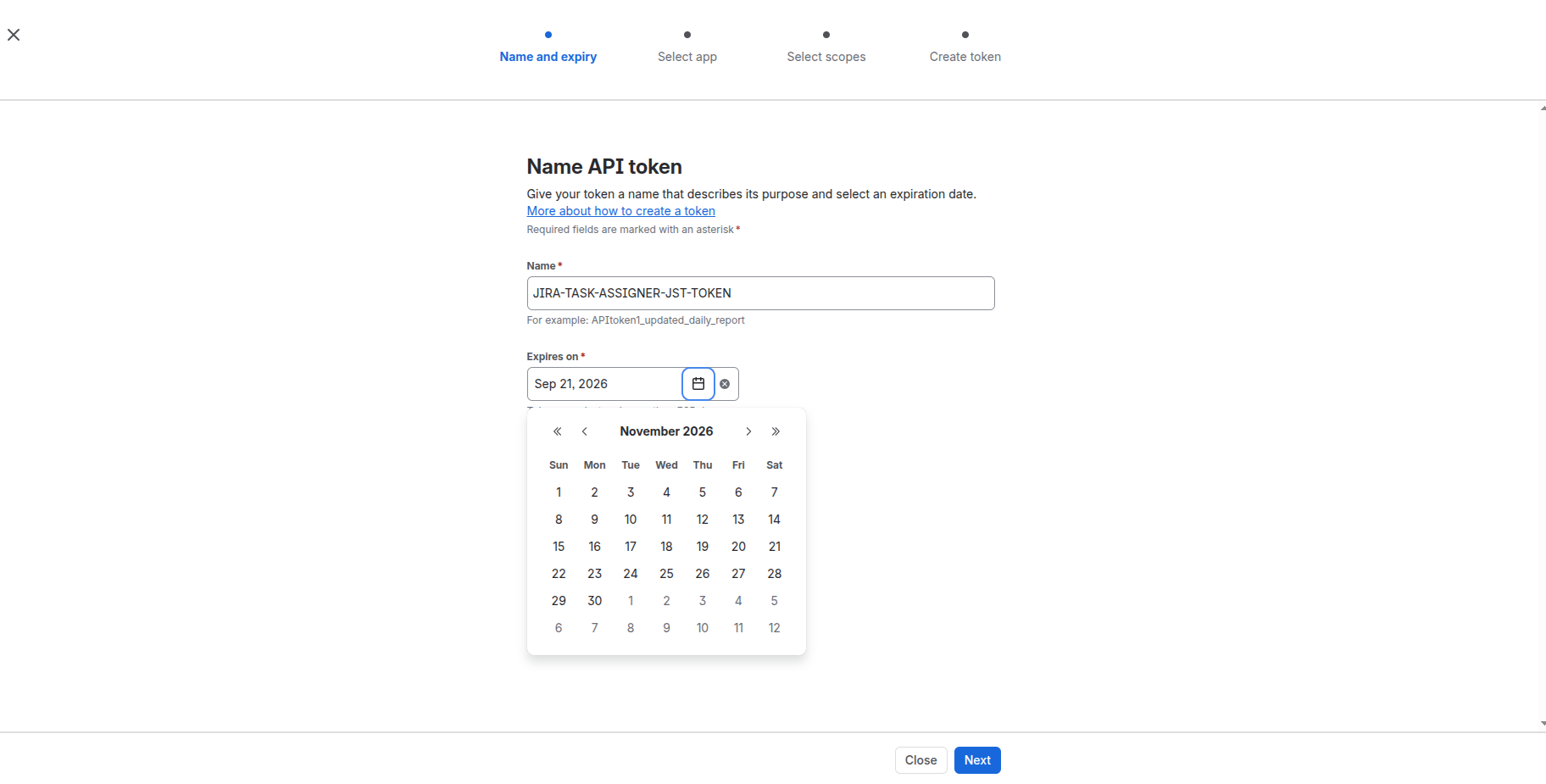
Click Create API token with scopes.
-
On the app selection screen, select Jira only.
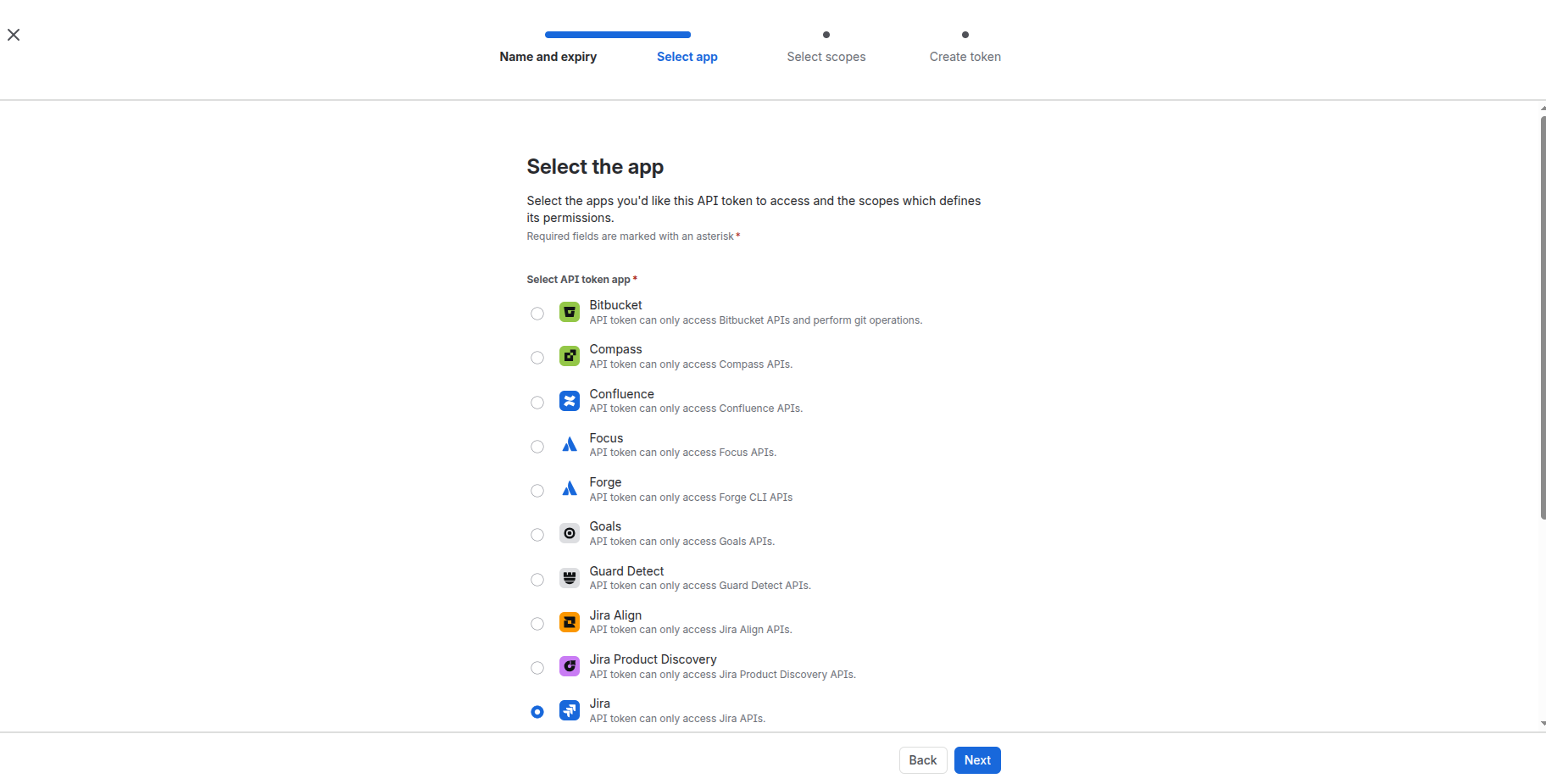
-
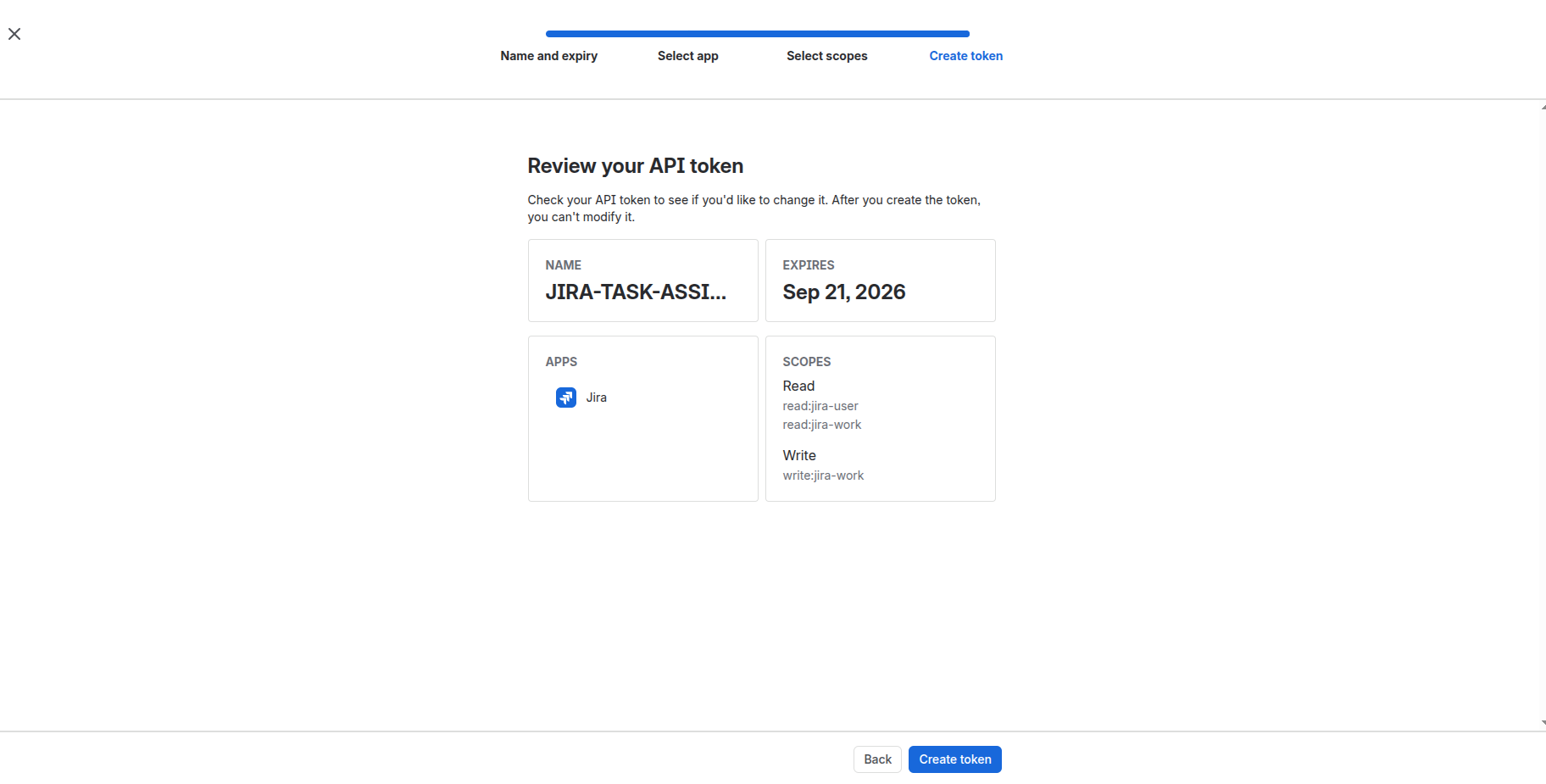
Set the scope type filter to Classic, then find and select each of the three permissions:
read:jira-user,read:jira-workandwrite:jira-work.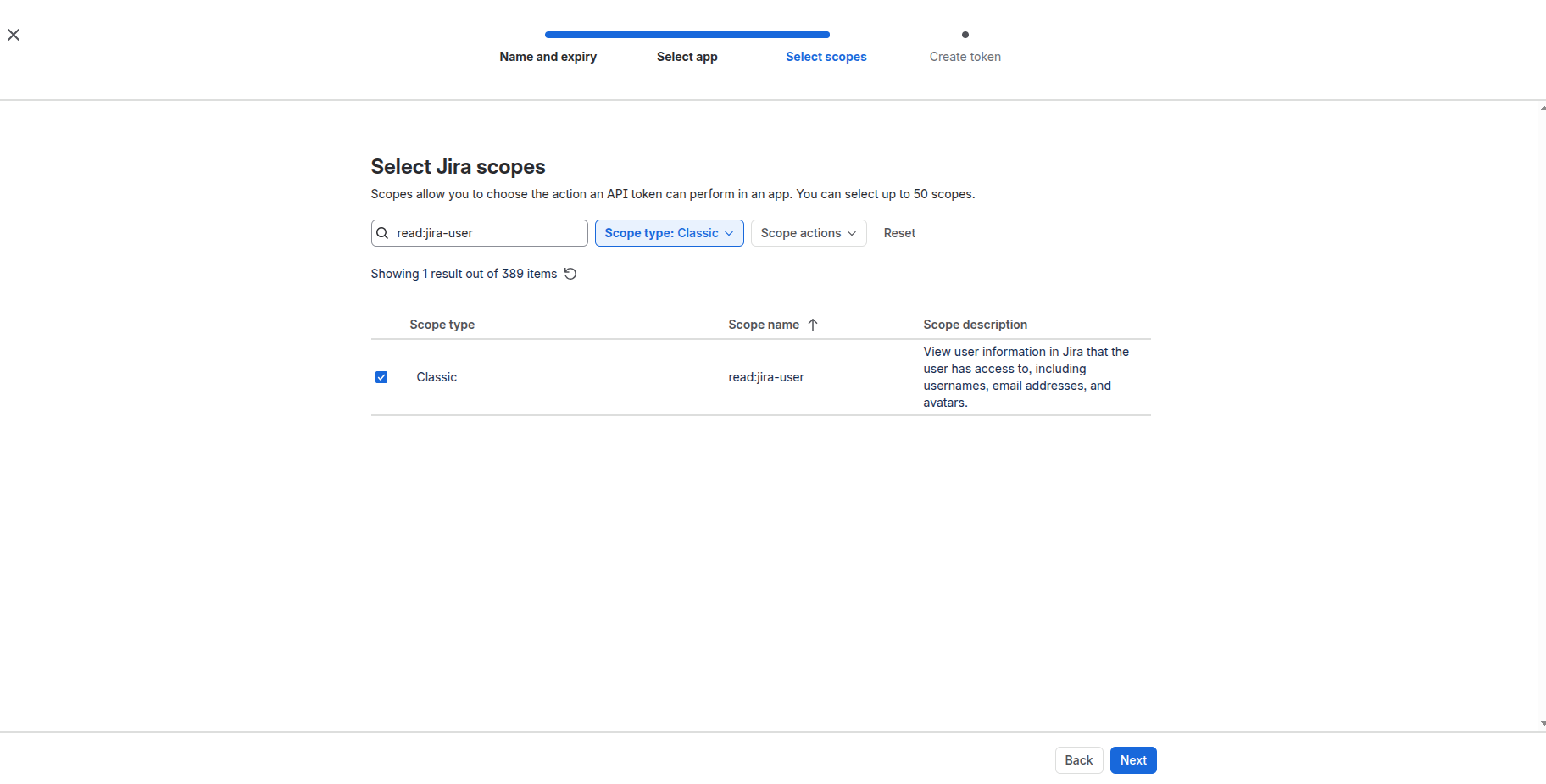
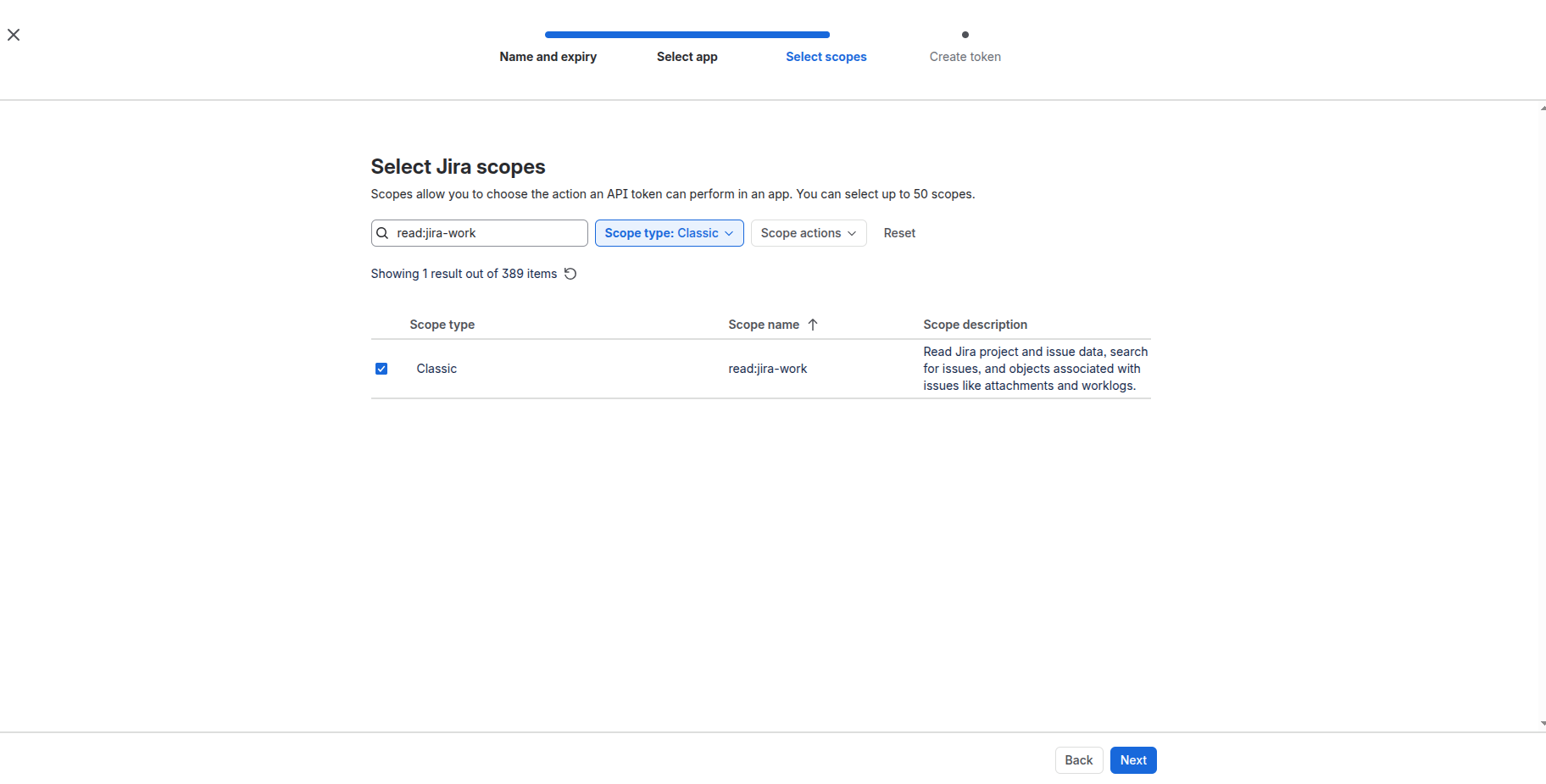
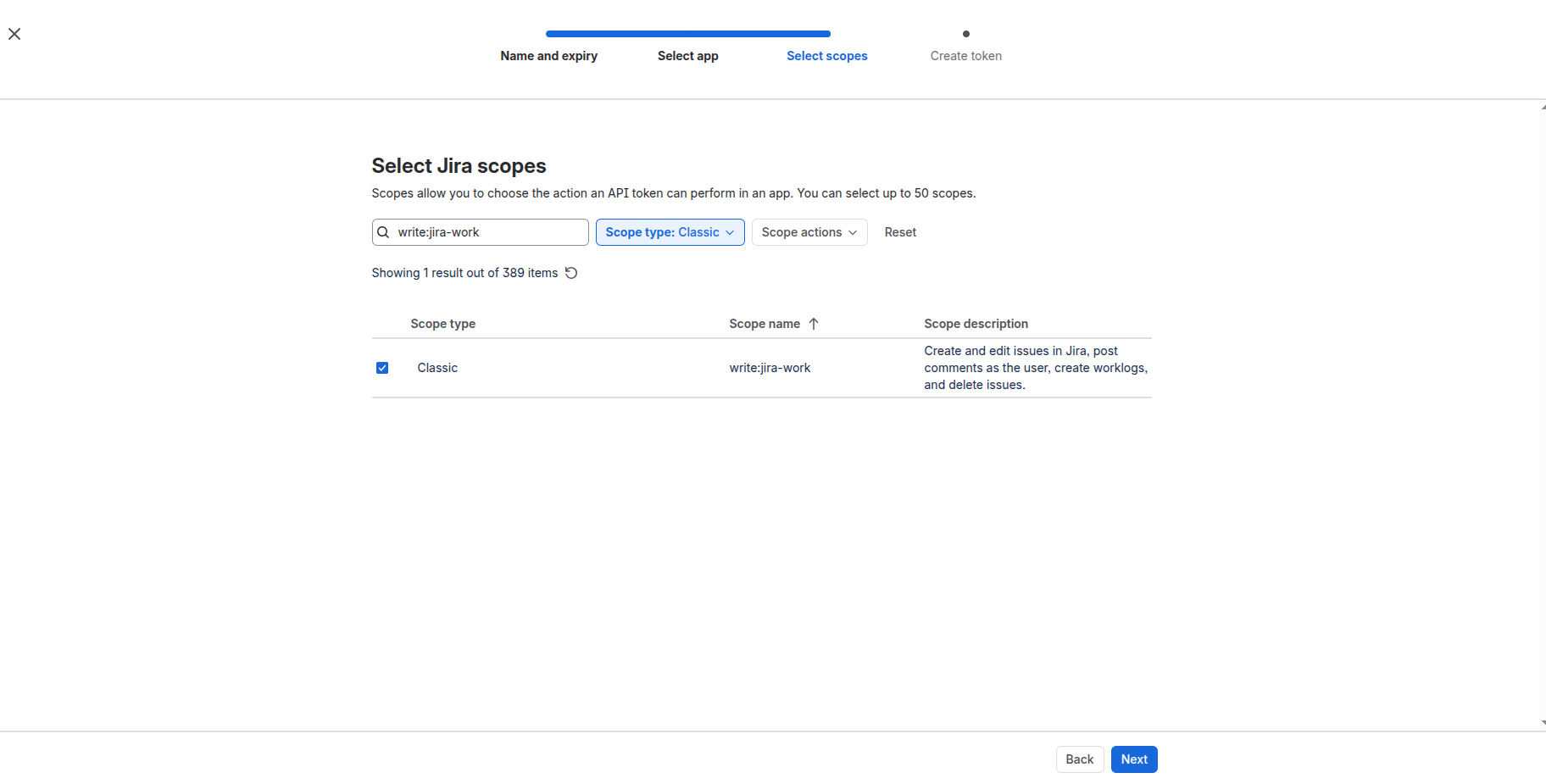
With all three selected, the review screen looks like this. Click Create token.
-
Copy the token and store it locally together with the user's email. Both go into
.jst/jira-sdlc-tools.local.env(see Fill.jst/jira-sdlc-tools.local.env). Copy it now: Atlassian only shows it once.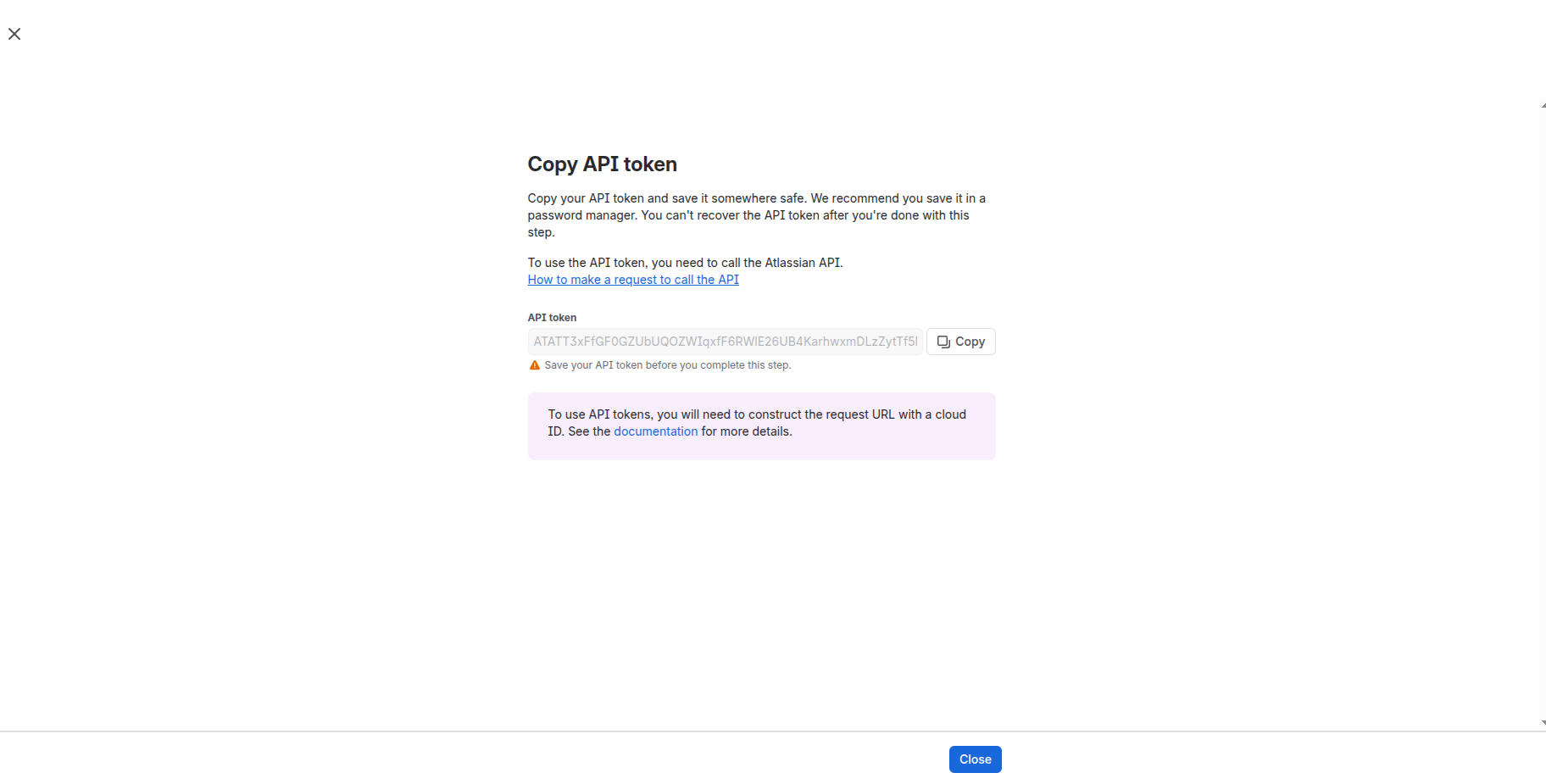
-
Confirm the token was created:
-
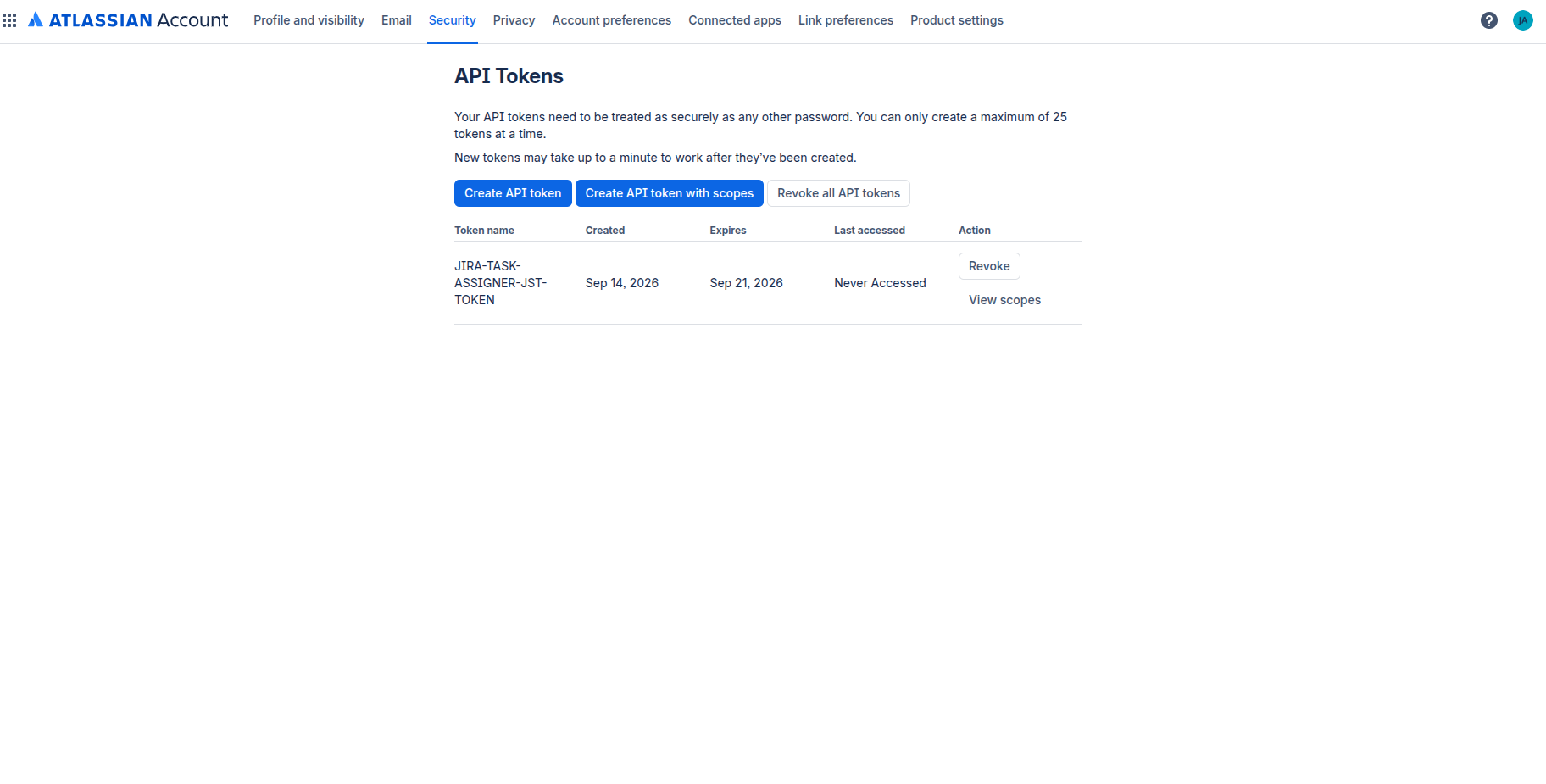
Go to id.atlassian.com/manage-profile/security/api-tokens.
-
Check that the token you just created is listed.
-
Confirm it has all three required scopes:
read:jira-user,read:jira-workandwrite:jira-work.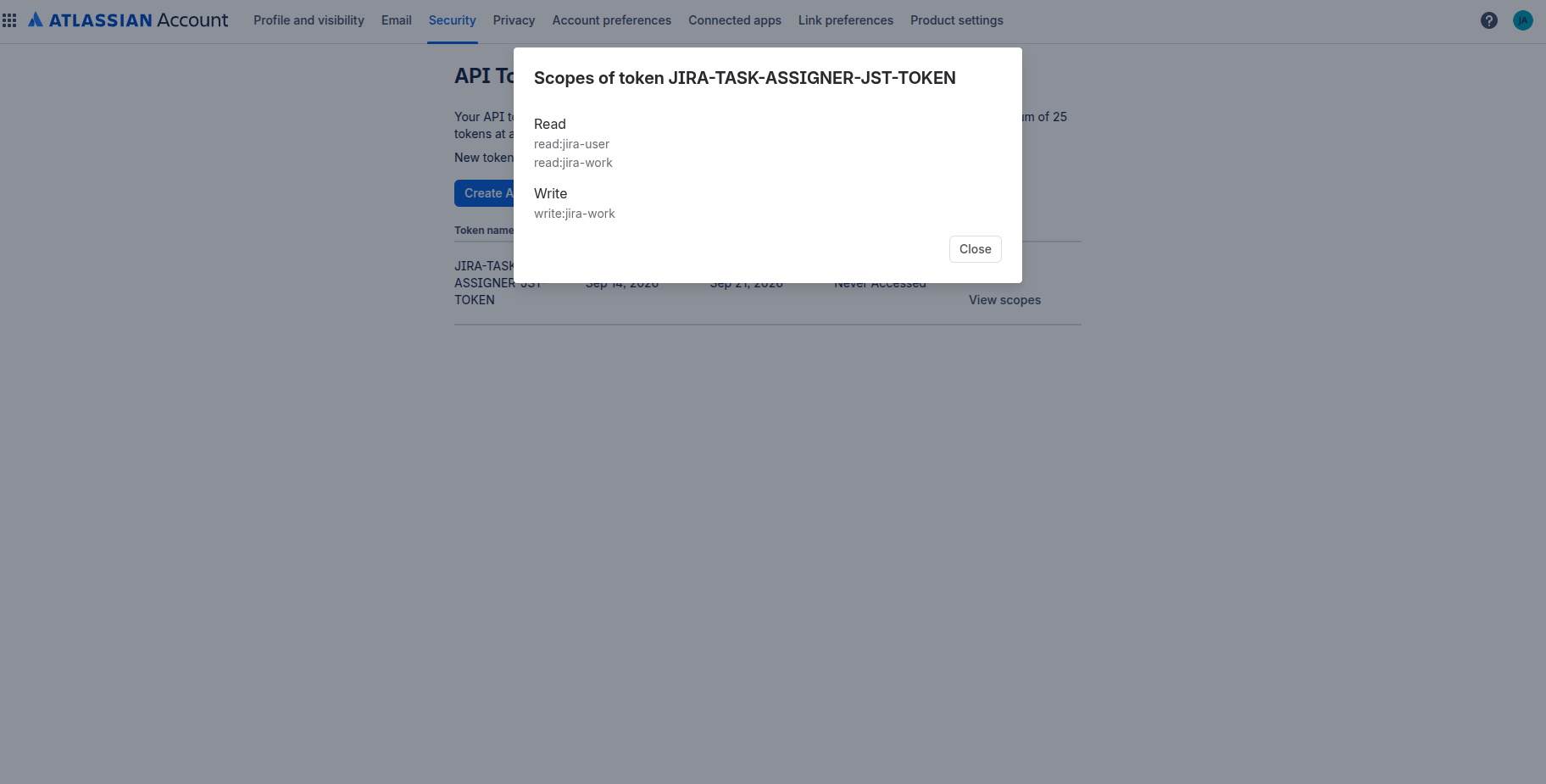
-